
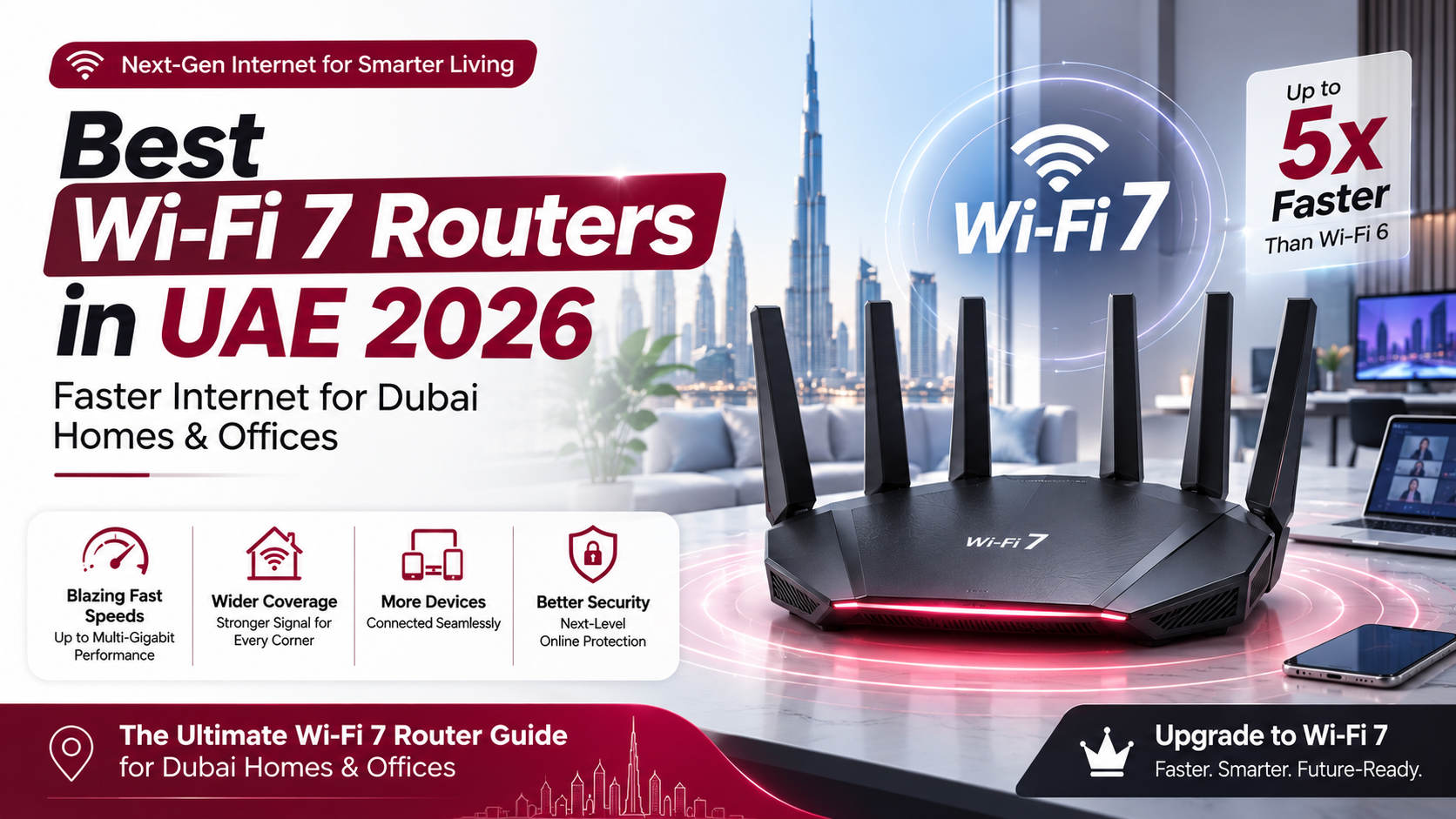
Whether you live in a multi-story villa in Palm Jumeirah or run a busy office in Business Bay, fast, reliable internet is no longer optional. As telecom operators like e& (Etisalat) and du roll out multi-gigabit fiber plans across the Emirates, standard Wi-Fi 5 and Wi-Fi 6 routers are quickly becoming performance bottlenecks.
Enter Wi-Fi 7 (802.11be). Delivering up to 4.8x faster speeds than Wi-Fi 6, ultra-wide 320 MHz channels, and simultaneous multi-band connections via Multi-Link Operation (MLO), Wi-Fi 7 ensures lag-free 8K streaming, seamless cloud backup, and low-latency gaming.
Here is your complete guide to the best Wi-Fi 7 routers available in the UAE for 2026.
2026 Top Wi-Fi 7 Routers in the UAE at a Glance
Model | Router Type | Max Throughput Speed | Key Standout Feature | Est. UAE Price Range |
TP-Link Archer BE800 / BE700 | Flagship Standalone | Up to 19 Gbps / 15 Gbps | Dual 10G ports & LED matrix display | AED 1,048 – AED 1,899 |
ASUS ROG Rapture GT-BE98 Pro | Quad-Band Gaming | Up to 25 Gbps | Triple-level game acceleration & 10G WAN | AED 2,899 – AED 3,739 |
TP-Link Deco BE95 / BE85 | Whole-Home Mesh | Up to 33 Gbps / 22 Gbps | Multi-gig backhaul for large Dubai villas | AED 2,499 – AED 3,999 |
TP-Link Archer BE3600 / BE230 | Budget Wi-Fi 7 | Up to 3.6 Gbps | Dual 2.5G ports at an entry-level price | AED 290 – AED 430 |
ASUS ZenWiFi BQ16 Pro | Mesh System | Up to 30 Gbps | Commercial-grade AiProtection & 10G ports | AED 2,199 – AED 3,299 |
Why Upgrade to Wi-Fi 7 in Dubai and the UAE?
Upgrading your router isn't just about raw speed numbers; it solves real-world networking challenges common in UAE residences and commercial spaces.
+--------------------------------------------------------------------------+| KEY ADVANTAGES OF WI-FI 7 |+--------------------------------------------------------------------------+| • 320 MHz Ultra-Wide Channels: Double the bandwidth of Wi-Fi 6 || • 4096-QAM (4K-QAM): Pack 20% more data into every wireless signal || • Multi-Link Operation (MLO): Connect across 2.4, 5 & 6 GHz at once || • Low Latency: Crucial for cloud gaming, VR, and video calls |+--------------------------------------------------------------------------+
1. Overcoming Reinforced Concrete Wall Signal Loss
Dubai apartments and UAE villas are heavily constructed with reinforced concrete, steel beams, and thick brickwork. Traditional Wi-Fi signals struggle to penetrate these barriers. Wi-Fi 7 utilizes advanced beamforming and Multi-Link Operation (MLO) to aggregate multiple frequency bands (2.4 GHz, 5 GHz, and 6 GHz) simultaneously, ensuring stable coverage behind thick walls.
2. Squeezing Full Speed Out of e& and du Multi-Gig Fiber Plans
If you subscribe to 1 Gbps, 2.5 Gbps, or higher internet packages from local service providers, an older router with 1 Gbps ethernet ports will cap your bandwidth. Wi-Fi 7 routers feature 2.5G and 10G WAN/LAN ports, enabling you to deliver multi-gigabit speeds directly to connected PCs, NAS drives, and smart displays.
Top Wi-Fi 7 Routers Reviewed for UAE Users
1. TP-Link Archer BE800 / BE700 – Best Overall Value Flagship
The TP-Link Archer series strikes an ideal balance between ultra-fast performance, multi-gigabit wired connectivity, and reasonable pricing in the local market.
- Why it shines: Includes dual 10 Gbps ports alongside four 2.5 Gbps ports, making it future-proof for high-speed fiber lines. Its sleek vertical design with customizable LED display looks great on an office desk or living room shelf.
- EasyMesh Compatible: You can easily add other TP-Link EasyMesh nodes later if you need to expand coverage to outdoor patios or upper floors.
2. ASUS ROG Rapture GT-BE98 Pro – Ultimate Pick for Gaming & Heavy Workloads
If you demand maximum throughput, zero packet loss, and comprehensive network customization, this quad-band monster is built to impress.
- Why it shines: Operates across four distinct wireless bands (including dual 6 GHz channels) delivering total potential speeds up to 25 Gbps. Features dedicated gaming ports, hardware-level traffic prioritization, and AiProtection Pro security built-in without subscription fees.
- Best for: Competitive gamers, 8K video editors, and heavy smart home setups with 100+ connected devices.
3. TP-Link Deco BE95 / BE85 – Best Wi-Fi 7 Mesh System for Large Villas
Covering a multi-story villa in areas like Jumeirah, Damac Hills, or Saadiyat Island requires a reliable mesh network.
- Why it shines: Operates a dedicated wireless or wired 10 Gbps backhaul between mesh nodes. Even if your main fiber socket is downstairs in the entryway, satellite units upstairs receive pristine, unthrottled signal strength.
4. TP-Link Archer BE3600 / ASUS TUF BE3600 – Best Budget Entry Point
You don't need to spend thousands of Dirhams to experience Wi-Fi 7 benefits like lower latency and Multi-Link Operation.
- Why it shines: Available for under AED 450, these dual-band Wi-Fi 7 models offer speeds up to 3.6 Gbps and include 2.5G ports, making them perfect for 1-to-3 bedroom apartments in Dubai Marina or Downtown Dubai.
UAE Buyer's Checklist: What to Look For
Before placing your order on Amazon UAE, Noon, or picking up a router at Microless, Sharaf DG, or Virgin Megastore, consider these key factors:
- Port Speeds (2.5G vs 10G): Ensure the router WAN port matches or exceeds your ISP optical network terminal (ONT) speed output.
- Coverage Footprint:
- Local ISP Compatibility: All un-locked Wi-Fi 7 routers with dynamic IP / PPPoE support connect seamlessly to e& and du fiber routers operating in bridge mode.
Frequently Asked Questions (FAQs)
Does Wi-Fi 7 work with older devices like older iPhones and laptops?
Yes. Wi-Fi 7 is fully backward compatible with all older Wi-Fi standards (Wi-Fi 6E, Wi-Fi 6, Wi-Fi 5). Legacy devices connect normally, while newer Wi-Fi 7 smartphones, laptops, and consoles unlock maximum speeds and low-latency performance.
Do I need to replace my Etisalat (e&) or du router?
You do not need to cancel your provider router. Simply connect your new Wi-Fi 7 router to the e& or du main box using an Ethernet cable, disable the Wi-Fi broadcast on the provider box (or set it to bridge mode), and let your Wi-Fi 7 router handle all wireless devices.
Is a Wi-Fi 7 mesh system better than a single router for a Dubai villa?
Yes. Due to solid concrete interior walls in UAE homes, a single central router often suffers signal degradation through two or more walls. A multi-node Wi-Fi 7 mesh system bypasses structural obstacles by placing dedicated wireless access points on each floor.