
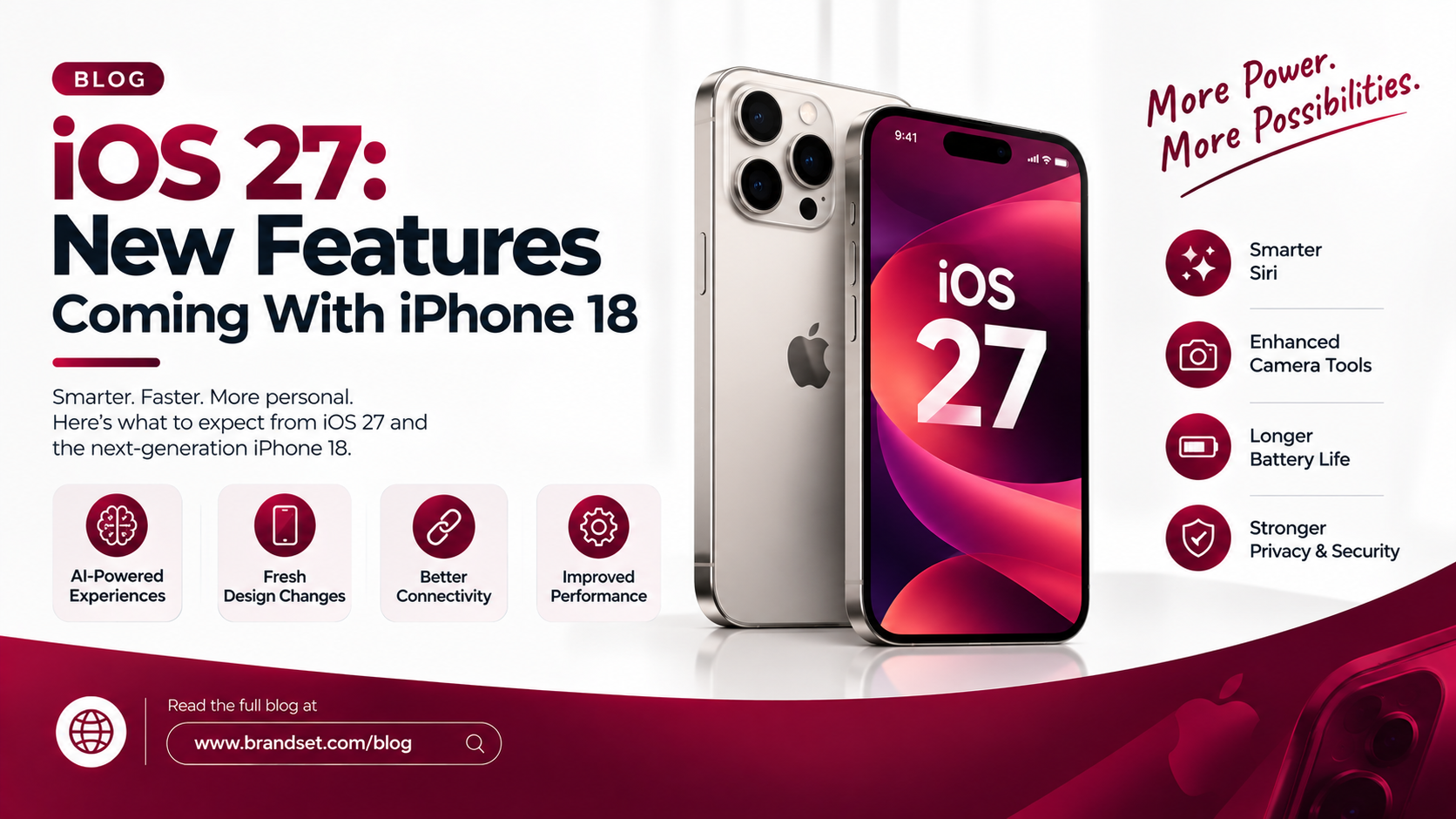
Apple rolled out iOS 27 on September 14, 2026, and it brings the biggest Siri overhaul in years alongside a refined visual language and a handful of quality-of-life upgrades. Apple unveiled iOS 27 at its September 9 event alongside the iPhone 18 Pro, AirPods 5, and Apple Watch Series 12, confirming the software would arrive that Monday. Whether you already own a compatible iPhone or you are deciding if the iPhone 18 is worth the upgrade, this guide breaks down every meaningful change in iOS 27.
When Did iOS 27 Release and Which iPhones Support It?
iOS 27 had already run as a developer beta since June and a public beta since July before Apple pushed the full release to every eligible iPhone on Monday, September 14. The rollout reached devices at roughly 10 a.m. Pacific Time through the Settings app.
iOS 27 supports the same iPhone lineup as iOS 26, which means the iPhone 11 series and newer can install it. However, hardware access is tiered. Apple has effectively divided supported iPhones into three levels, with the iPhone 11 and newer receiving the core update while the most advanced Apple Intelligence tools stay locked to newer chips. Siri AI specifically requires an iPhone 15 Pro or newer to function.
Does iOS 27 Come Preinstalled on New Devices?
iOS 27 ships preinstalled on the iPhone 18 Pro Max, iPhone 18 Pro, Apple's first foldable iPhone, and the standard iPhone 18.
What Is Siri AI in iOS 27?
The headline feature of this update is Siri AI, a ground-up rebuild of Apple's voice assistant. The classic Siri handled basic tasks like setting timers and checking the weather reasonably well, but it consistently struggled with more complex requests over the years, and iOS 27 replaces that experience with a far more intelligent, personalized assistant called Siri AI.
How Siri AI Compares to Older Assistants
Every beta cycle brought measurable gains, with Siri AI responding noticeably faster to both spoken and typed prompts than it did in the first beta, putting it in closer competition with assistants like Gemini.
Which Languages Does Siri AI Support at Launch?
Siri AI launched in English only, with French, Japanese, Korean, Portuguese, and Spanish support expected in October. If your workflow depends on multilingual voice commands, it is worth waiting for that follow-up update before relying on Siri AI heavily.
Is Siri AI Available Everywhere?
Siri AI will not be available in the EU at launch due to regulatory constraints. Users in that region will continue using the classic Siri experience for now.
How Does the Liquid Glass Design Change in iOS 27?
iOS 27 is not a visual reinvention. It refines the Liquid Glass design language that Apple introduced with iOS 26 rather than replacing it. The aesthetic direction stays consistent, but users now get meaningfully more control over how it looks and feels.
The New System-Wide Transparency Slider
The main design addition is a system-wide transparency slider that lets users dial the Liquid Glass effect anywhere from fully see-through to completely tinted, a level of customization the original implementation did not offer. This single control addresses one of the most common complaints about iOS 26's interface.
App Icons Get a Subtle Refresh
App icons also receive a subtle Liquid Glass treatment in iOS 27, giving the home screen a more unified and intentional look.
What New iPhone Handoff Feature Does iOS 27 Bring?
Apple added a new iPhone Handoff feature that lets you switch between two iPhones while using the same phone number on each device. Apple briefly mentioned this at the WWDC 2026 keynote in June on a slide listing hundreds of new features, but did not share further details at the time. This is especially useful for users juggling a personal and work iPhone, or anyone testing a new device before fully switching over.
What's New for Families and Screen Time in iOS 27?
iOS 27 makes Screen Time more useful for families, with Apple providing suggested limits based on a child's age, while parents can still set their own custom rules. Daily Schedules also let parents control which apps are available at different times of day. These additions build on Apple's ongoing push toward stronger parental safety controls across its platforms.
What CarPlay Features Are Coming With iOS 27?
iOS 27 introduces CarPlay improvements tied to a video feature that Apple confirmed is available in new vehicles that support it, based on details shared in a WWDC 2026 developer video. Drivers with compatible infotainment systems should see smoother integration between their iPhone and dashboard display after updating.
What's Coming in iOS 27.2 and Later Updates?
Not every promised feature shipped on day one. A completely redesigned Health app with AI-powered health insights was announced but held back for a later 2026 release. The iOS 27.2 beta, released on September 16, already points to what is coming next, including the redesigned Health app, additional Siri AI languages, suggested replies in Messages that were pulled before launch, and automatic password changes for compromised accounts. Upgrade now.
If a feature you were expecting is missing right now, there is a good chance it lands within the next update cycle rather than being cut entirely.
Should You Upgrade to iPhone 18 for iOS 27?
Every core iOS 27 feature reaches iPhones going back to the iPhone 11, so an upgrade is not required just to run the update. Where the iPhone 18 lineup matters is Apple Intelligence and Siri AI, both of which need newer silicon to run at full capacity.
If you are weighing a new device purely to access Siri AI's fastest performance and the full Liquid Glass customization set, the iPhone 18 Pro and iPhone 18 Pro Max are the models built around this software from the ground up. For most existing iPhone 15 Pro or newer owners, a free software update already unlocks the bulk of what iOS 27 offers, which makes the upgrade decision more about camera hardware, battery life, and design than the operating system itself.
How to Install iOS 27 on Your iPhone
- Open the Settings app
- Tap General
- Select Software Update
- Tap Download and Install
- Keep your device connected to Wi-Fi and power until the update finishes
Back up your iPhone before updating, especially if you are on older hardware, since a fresh backup makes it easy to recover data if anything goes wrong during installation.
Frequently Asked Questions
Is iOS 27 available for the iPhone 11?
Yes. iOS 27 supports the iPhone 11 series and newer, along with the second and third generation iPhone SE, though some Apple Intelligence and Siri AI features require newer hardware.
Does Siri AI work without an iPhone 18?
Yes, as long as your device is an iPhone 15 Pro or newer. The iPhone 18 is not required, but older supported models will not have access to Siri AI at all.
Is Siri AI free with iOS 27?
Siri AI is included with the iOS 27 update at no extra cost, though some advanced Apple Intelligence features tied to iCloud storage may require a higher-tier iCloud+ plan.
When will Siri AI support more languages?
Apple has confirmed French, Japanese, Korean, Portuguese, and Spanish support is expected in October, following the English-only launch.
Can I go back to iOS 26 after updating to iOS 27?
Reverting is possible for a limited window after Apple stops signing the previous version, but it requires a full device restore and will erase your data unless you have a recent backup.
Does iOS 27 work with CarPlay?
Yes. iOS 27 adds new CarPlay features, including video support in vehicles that support it, alongside general performance improvements for in-car use.
Other Services / Shopping Categories:
Looking for new gadgets? Explore Milaaj’s latest smartphone collection.
Need a laptop upgrade? Check out Milaaj’s laptops and MacBooks.
Selling your used devices? Get instant cash when selling your old iPhone or electronics with Milaaj.
Want tech accessories? Shop genuine chargers, cables, and power banks on Milaaj.