
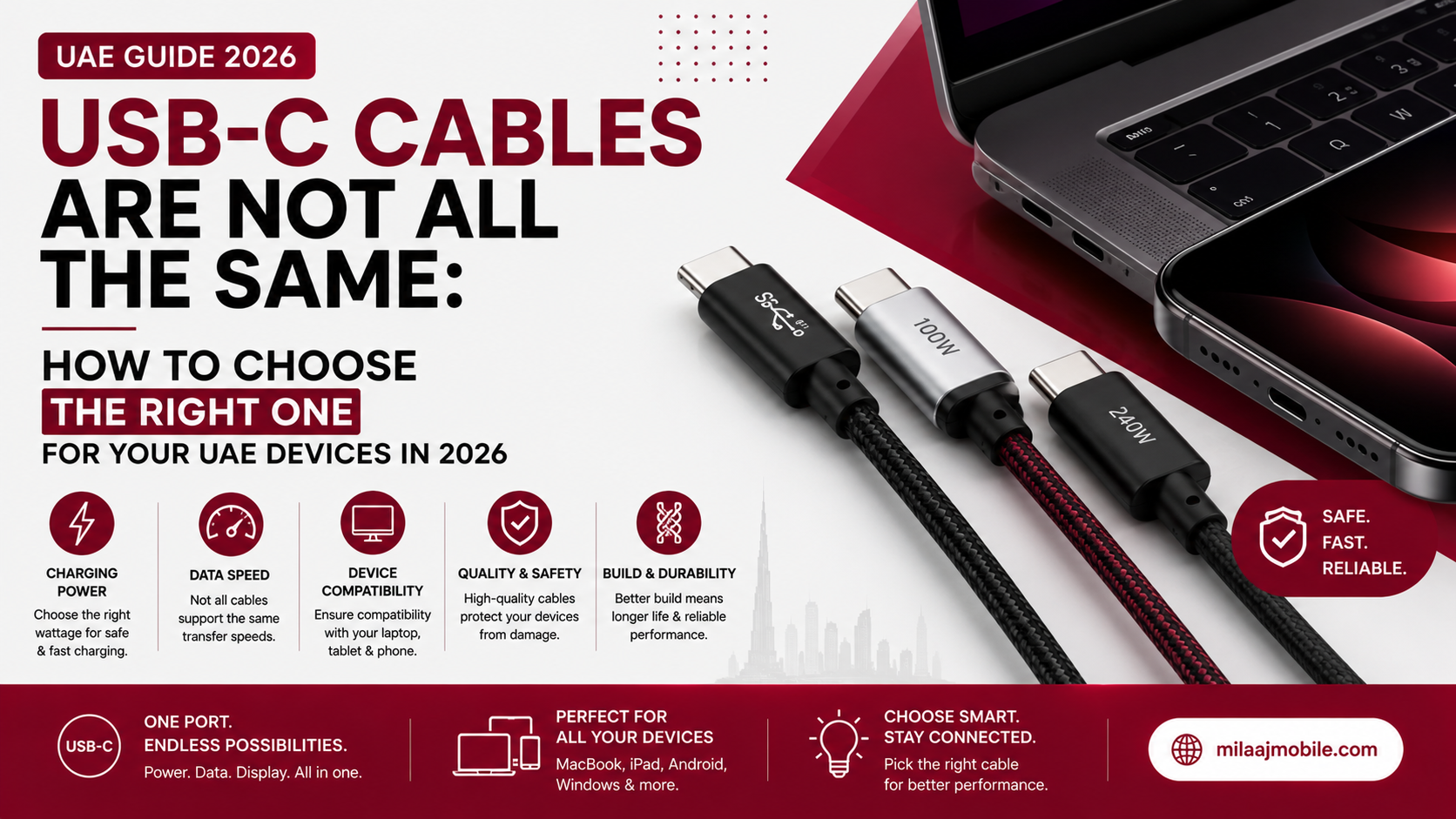
You grab a sleek, braided USB-C cable from an electronics shelf in Dubai Mall, plug it into your high-end MacBook, and plug the other end into a 100W GaN wall charger. Hours pass, but your battery percentage barely crawls upwards. Worse, when you try to transfer a folder of 4K video footage to an external SSD using that exact same cable, the transfer speed drops to crawling 2000s-era speeds.
What gives? They all look identical.
The truth is simple: USB-C is just the physical shape of the connector, not a guarantee of speed, video transmission, or charging capability.
With modern laptops, smartphones, portable gaming consoles, and accessories adopting USB-C universally, choosing the right cable in the UAE has become trickier than ever. Here is your definitive 2026 guide to understanding USB-C cable differences so you don't waste money or risk damaging your expensive devices.
1. The Core Myth: Same Plug, Different Brains
The oval USB-C plug is a 24-pin reversible physical housing. Inside that small head, however, lies an entire electronic ecosystem:
- E-Marker Chips (Electronic Marker): High-power cables (above 60W or 3A) carry microcontrollers in the connector hood that communicate with your charger and device. If the chip isn't there—or fails safety checks—your device will throttle charging for protection.
- Internal Wiring & Shielding: A cheap charging-only cable uses just 4 active internal wires (Power, Ground, and basic USB 2.0 data lines). A full-featured USB4 or Thunderbolt 5 cable carries up to 20 or more shielded, high-frequency coaxial lines.
If you try to push 240W of power or 80Gbps data through a basic charging cable, it physically lacks the wiring architecture to make it happen.
2. Decode the Three Main USB-C Cable Categories
When shopping across UAE retailers like Amazon.ae, Noon, or local electronics shops, USB-C cables fall into three distinct capability tiers:
Tier 1: Charge-Only / Low-Speed Cables (USB 2.0)
- Max Speed: 480 Mbps (USB 2.0 speed)
- Max Power: 60W (20V/3A) or up to 100W
- Video Support: None
- Best Used For: Keyboards, mice, wireless earbuds, budget smartphones, and overnight charging.
- The Catch: If you attempt to back up an external SSD with this cable, a 50GB file transfer can take nearly 15 minutes instead of 3 seconds.
Tier 2: High-Speed Data & Fast Charging (USB 3.2 / USB4)
- Max Speed: 10 Gbps, 20 Gbps, or 40 Gbps
- Max Power: 100W to 240W EPR (Extended Power Range)
- Video Support: 4K @ 60Hz or single 8K output
- Best Used For: High-performance laptops, iPad Pro, Samsung Galaxy S series, external NVMe SSDs, and 4K external monitors.
Tier 3: Extreme Performance (Thunderbolt 4 & Thunderbolt 5)
- Max Speed: 40 Gbps (Thunderbolt 4) to 80 Gbps / 120 Gbps Boost Mode (Thunderbolt 5)
- Max Power: Up to 240W EPR (PD 3.1)
- Video Support: Dual 8K displays or 4K @ 240Hz gaming monitors
- Best Used For: Content creators, 8K video editing rigs, eGPUs, multi-monitor docking stations, and heavy-duty workstations.
3. How to Match the Cable to Your UAE Devices
To streamline your setup, match your gear to the precise cable spec it demands:
Device Category | Examples | Recommended Cable Spec | What Happens If You Choose Wrong? |
Flagship Phones | iPhone 15/16 Pro, Samsung S24/S25/S26 Ultra | USB 3.2 Gen 2 (10 Gbps, 60W–100W) | Slow data transfers, baseline fast-charging missed. |
High-End Laptops | MacBook Pro M3/M4, Dell XPS, Gaming Laptops | USB4 / Thunderbolt 4/5 (240W EPR, 40-80Gbps) | Laptop charges very slowly or loses battery while plugged in. |
Portable Accessories | AirPods, Power Banks, Smartwatches | Basic USB 2.0 Braided Cable (60W) | None! Tier 1 cables are fully adequate here. |
External Displays | LG UltraFine, Samsung Smart Monitors, Docks | Full-Featured USB4 / DisplayPort Alt Mode | Screen shows "No Signal" or defaults to low resolution. |
4. Key Specs to Check Before You Buy in the UAE
When reading the back of a cable box or checking an online listing, look for these specific markers:
[ Power Delivery Wattage ] + [ Data Transfer Rate ] + [ Official Certification Logos ]
1. Power Delivery (PD 3.1 / EPR): Look for "240W"
If you own a power-hungry 16-inch laptop or a modern gaming rig, ensure the cable explicitly lists PD 3.1 or 240W Extended Power Range (EPR). Older cables max out at 100W (SPR), which isn't enough to run heavy workloads without draining your battery while charging.
2. Physical Cable Length vs. Speed Performance
Physics limits high-speed copper lines.
- Passive cables offering 40Gbps or 80Gbps usually cannot exceed 0.8 to 1 meter without speed degradation.
- If you need a 2-meter or longer cable that maintains high-speed data and display output, make sure it is labeled as an Active Cable (which contains signal repeater chips).
3. Build Quality in High-Humidity Environments
In the Gulf climate, heat and humidity can take a toll on low-grade plastic cables used outdoors or in cars. Look for:
- Nylon or Kevlar Braided Sleeving: Prevents fraying and internal line snaps.
- Aluminum or Anodized Zinc Alloy Housings: Better heat dissipation during 100W+ fast charging cycles.
- Strain Relief Booting: Reinforced joints where the plug meets the wire.
5. Quick Buyer's Checklist
Before completing your purchase, run through these quick criteria:
- Check the Print on the Packaging: Avoid generic brands that only say "Fast Charging" without stating exact Wattage (e.g., 60W, 100W, 240W) or Data Speeds (e.g., 480Mbps, 10Gbps, 40Gbps).
- Look for Certified Logos: Search for official USB-IF (USB Implementers Forum) logos or Intel Thunderbolt Certification badges on the box.
- Audit Your Wall Charger First: A 240W-rated cable will still only charge at 20W if plugged into an old, low-power smartphone adapter.
Final Thoughts
The promise of USB-C was a single cable for every device in your home or office. While the connector is universal, the capabilities inside are not.
By investing in two well-chosen cables a durable 60W braided cable for everyday phone/accessory charging and a high-spec USB4/Thunderbolt cable for your primary laptop, monitor, and external drives you can simplify your workspace setup while protecting your equipment.